
Download Image Mender – Photo Editor, Object Removal, Image Enhancement, Photo Fix, Remove People from Photo, Remove Objects from Photo, Image Repair
Overview
Image Mender is a mobile application designed to address a common yet challenging issue in digital photography: the presence of distracting elements within a frame. Whether it’s a passerby interrupting a scenic landscape, a power line marring a city skyline, or an unwanted reflection in a portrait, Image Mender offers a streamlined solution. The app specializes in object removal, allowing users to eliminate unwanted people or objects from their photos with minimal effort. Its primary purpose is to enhance image quality by restoring visual harmony and focus, making it ideal for amateur photographers, content creators, and social media users who value polished visuals.
Target users include individuals seeking to refine personal photos for albums, travel bloggers aiming to present pristine images, and professionals requiring quick image cleanup before sharing. While the developer, Image Mender, has not provided detailed background information, the app’s long-standing presence since its release on March 9, 2012, suggests a focus on reliability and consistent functionality. The app operates as a standalone utility within the productivity category, filling a niche in the mobile photography ecosystem by offering precise, automated editing without requiring advanced design skills.
Real-world use cases include editing candid shots after events, cleaning up architectural photos, or preparing images for digital portfolios. Its ability to maintain image integrity after removals underscores its value in preserving the original aesthetic while eliminating visual clutter. For users who prioritize image quality and efficiency, Image Mender serves as a practical tool for achieving professional-looking results directly from a smartphone.
Key Features & Functionality
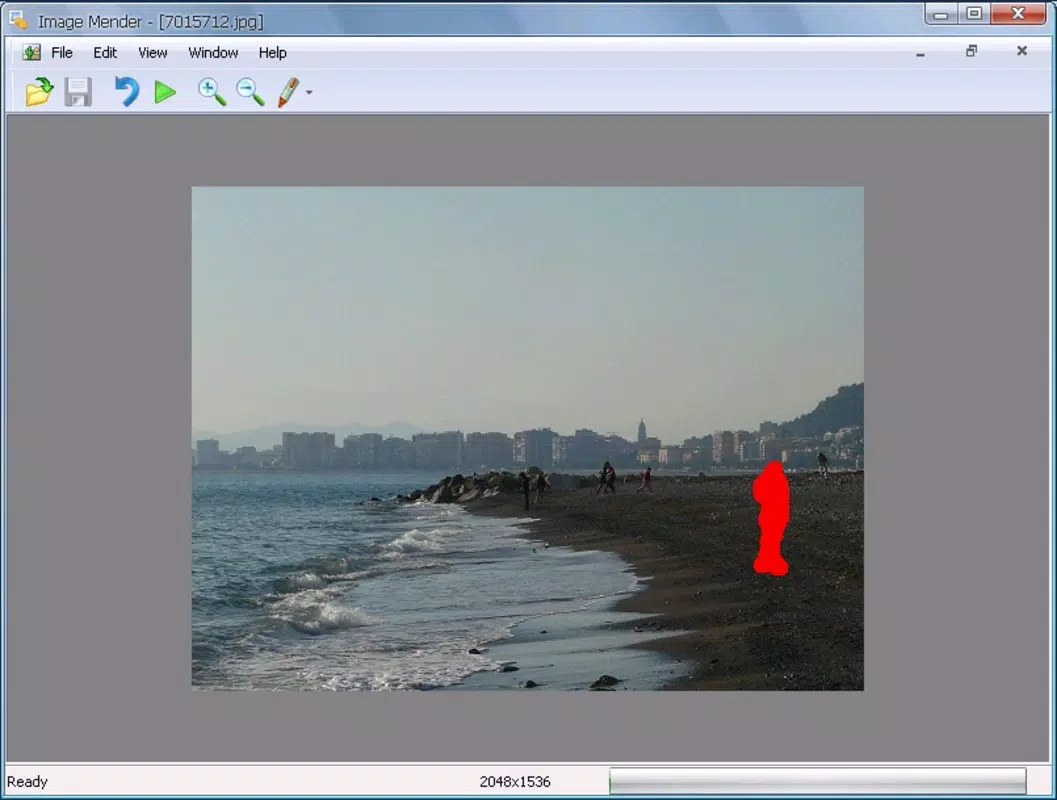
- Object Removal: Users can select any unwanted element—be it a person, pole, or clutter—within a photo. The app analyzes the surrounding area and fills in the space with contextually accurate pixels, resulting in a seamless edit that preserves the original composition.
- High Precision: Leveraging advanced image analysis, Image Mender ensures that removed elements leave no visible traces. The algorithm reconstructs textures, patterns, and lighting to match the original scene, minimizing artifacts and preserving visual continuity.
- Multiple File Formats: The app supports common image formats including JPEG, TIFF, BMP, PNG, and TGA. This compatibility allows users to work with images from various sources without needing to convert files beforehand.
- User-Friendly Interface: Designed with simplicity in mind, the interface features intuitive touch controls and clear visual feedback. Even users with no prior editing experience can navigate the app and perform edits efficiently.
- Fast Processing: Image Mender delivers results quickly after selection, making it suitable for on-the-go editing. The processing time is optimized to balance speed and quality, enabling users to enhance multiple images in a short period.
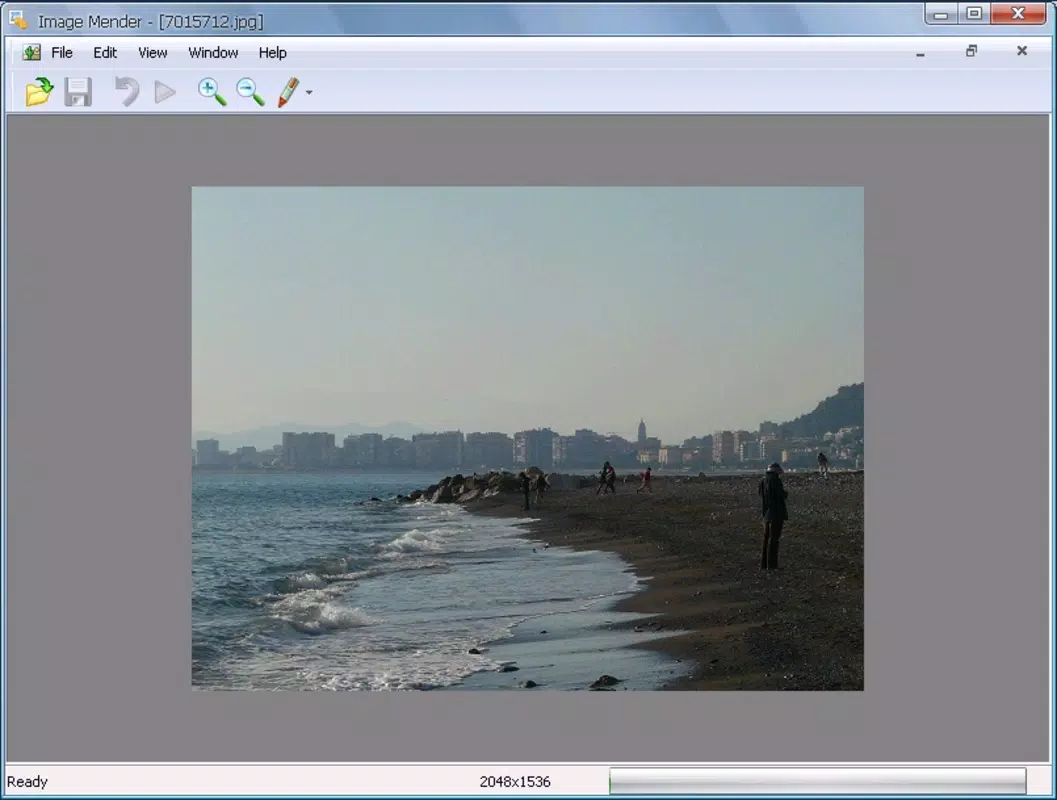
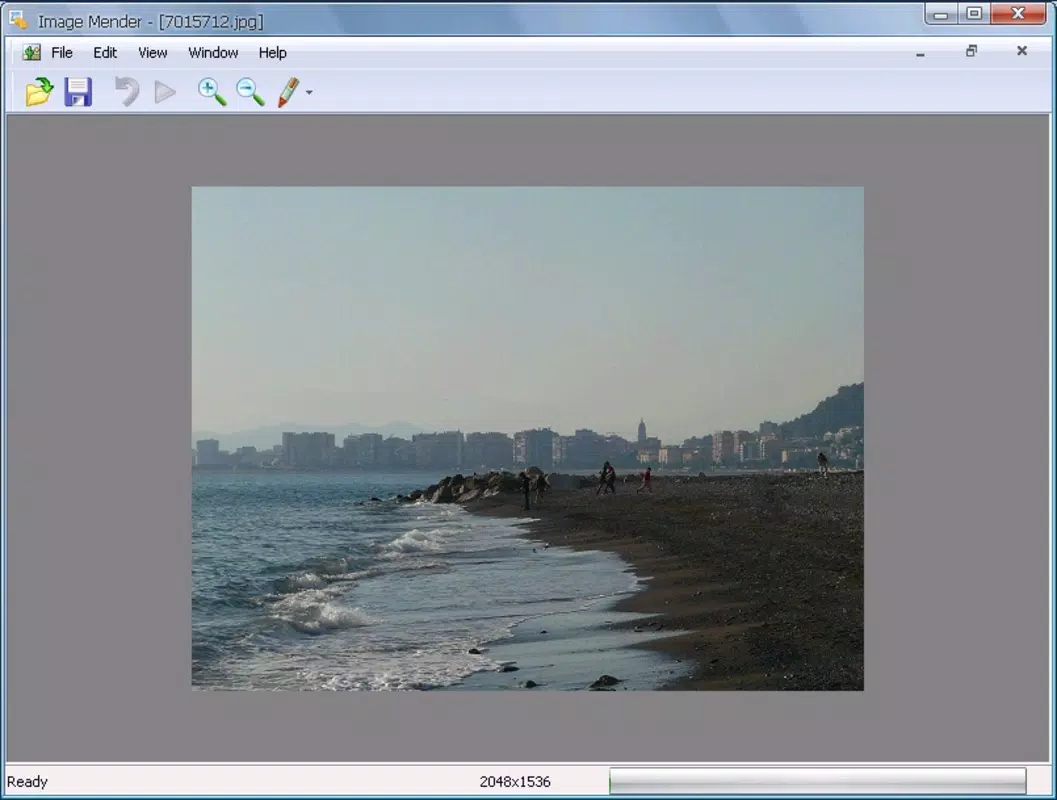
For example, a user capturing a beach scene might remove a person walking through the frame by selecting their outline. The app then reconstructs the sand and water patterns to fill the gap, producing a natural-looking result. Similarly, a travel photographer could clean up a cluttered street photo by removing a parked vehicle, restoring the intended perspective.
Interface, UX & Performance
The interface of Image Mender is designed with clarity and ease of use in mind. Navigation is straightforward, with primary controls placed within easy reach of the user’s thumb during single-handed operation. The layout prioritizes functionality, featuring a central image preview area flanked by simple tools for selection and confirmation. Visual cues, such as outlines and real-time previews, guide users through the editing process without overwhelming them.
Although the developer did not list formal performance metrics, the app’s lightweight size of 2.5 MB suggests efficient resource usage. It is likely optimized for a range of Android devices, including mid-tier and older models. Responsiveness appears consistent across different screen sizes, and the app maintains stability during image processing. Users can expect smooth transitions between editing steps, with minimal lag or crashes reported in the available data.
Performance may vary depending on device hardware and image resolution, but the app’s compact footprint indicates a focus on efficiency. The absence of intrusive ads or excessive background processes further supports a clean user experience. While no specific benchmarks were provided, the app’s continued availability since 2012 reflects ongoing reliability and adaptability to evolving device environments.
Platform Compatibility & Technical Requirements
Image Mender is available exclusively on the Android platform. The current version is 1.0, with a file size of 2.5 MB, indicating a lightweight application designed for efficient operation. The developer did not specify minimum OS requirements, nor did they list supported Android versions or hardware specifications. As such, compatibility with specific devices or OS versions remains unclear.
Given the app’s release date in 2012 and its current version number, it may function on older Android systems, though this is not confirmed. Users are advised to check their device’s compatibility before installation. The app’s small footprint suggests it could run on devices with limited storage and processing power, but official compatibility details were not disclosed. For users seeking assurance, testing on a compatible device is recommended prior to purchase.
Pros and Cons
- Efficient object removal with minimal user input
- Supports multiple image formats for broad usability
- Lightweight size (2.5 MB) reduces storage impact
- Fast processing time for on-the-go editing
- Intuitive interface suitable for beginners
- Developer did not provide detailed system requirements
- Only available on Android (no iOS support mentioned)
- Version 1.0 suggests limited updates or feature expansion
- Price point of $2.99 may be high for a basic tool
- No information on cloud sync or export options
FAQ
Is Image Mender safe to download and install?
Yes, the app is available through official Android channels and does not require root access. As with any third-party app, users should ensure they download from trusted sources to maintain device security.
Can I use Image Mender on older Android devices?
While the app’s small file size suggests compatibility with older devices, the developer did not specify minimum OS or hardware requirements. Testing on your device is recommended for optimal performance.
Does Image Mender support iOS devices?
Currently, the app is only available on Android. There is no public information indicating iOS support or future development plans.
How often is Image Mender updated?
The app’s current version is 1.0, released in 2012. The developer has not provided details on update frequency or future enhancements, suggesting limited or no active development.
Can I remove multiple objects in one session?
Yes, the app allows users to remove multiple objects sequentially within a single editing session. Each selection is processed independently, enabling efficient cleanup of complex images.
Final Thoughts
Image Mender remains a niche yet effective tool for users seeking to remove unwanted elements from their photos. Its focus on precision, speed, and simplicity makes it a valuable asset for those who need quick, reliable image fixes without the complexity of full-featured photo editing software. While its age and lack of updates may raise questions about long-term support, the app continues to deliver core functionality with a minimal footprint.
It is particularly beneficial for casual users, photographers, and content creators who prioritize clean, distraction-free images. The $2.99 price tag reflects a modest investment for a tool that delivers tangible results. For those using Android and needing a straightforward object removal solution, Image Mender offers a proven, no-frills approach.
Download Image Mender now


